
Enhancing Movie Nights: Best Projector Accessories for iPhone Users
The magic of cinema, once confined to darkened theaters, can now be experienced in the comfort of your own home. For iPhone users, this cinematic journey is more accessible and versatile than ever, thanks to the powerful integration of their beloved devices with modern projectors. While a projector is the heart of any home theater setup, a curated selection of accessories can transform a good movie night into an unforgettable, immersive experience. This article delves deep into the essential projector accessories that will truly enhance your iPhone movie nights, offering practical advice, insightful examples, and the data to back it up.
The iPhone Advantage: Why Projectors Are a Perfect Match
iPhones have become miniature entertainment hubs, boasting high-resolution displays, robust audio capabilities, and an ever-expanding library of streaming services and apps. This makes them an ideal source for projecting content onto a large screen. The seamless connectivity, whether wired or wireless, eliminates the hassle of clunky media players, allowing for instant access to your favorite movies, TV shows, and even personal video content. Statistics from Statista show that in 2023, the average person spent over 2.5 hours per day on their smartphone, with a significant portion dedicated to entertainment. This indicates a strong reliance on mobile devices for media consumption, making projector integration a natural evolution.
Beyond the Screen: Essential Accessories for an Immersive Experience
While the projector itself is crucial, it’s the accessories that truly unlock its potential and tailor the experience to your specific needs and preferences. For iPhone users, this means focusing on seamless connectivity, superior audio, comfortable viewing, and practical convenience.
1. Seamless Connectivity: Bridging the iPhone to the Big Screen
The most fundamental aspect of an iPhone-powered projector setup is the ability to connect your device reliably and with minimal fuss. Several options cater to different needs and projector capabilities.
Lightning Digital AV Adapter / USB-C to HDMI Adapter
For those with older iPhones (Lightning port) or iPads, the Apple Lightning Digital AV Adapter is a must-have. It allows you to mirror your iPhone’s screen or output video content to a projector with an HDMI input. Similarly, for newer iPhones and iPads with USB-C ports, a USB-C to HDMI adapter serves the same purpose. These adapters offer a stable, wired connection, ensuring the highest possible video and audio quality without the potential for wireless interference.
Case Study: Sarah, an avid traveler, uses her iPhone and a portable projector for impromptu movie nights in hotels. She found that relying solely on Wi-Fi streaming could be unreliable. Investing in a Lightning Digital AV Adapter allowed her to connect her iPhone directly to the projector, ensuring a smooth viewing experience even in areas with poor internet connectivity.
Wireless Screen Mirroring Adapters (e.g., Miracast, AirPlay Dongles)
For a cable-free experience, wireless mirroring is the way to go. While many projectors now have built-in Wi-Fi and support AirPlay (for Apple devices), some older models might not. In such cases, external dongles like those supporting Miracast or even dedicated AirPlay receivers can be invaluable. These devices connect to your projector’s HDMI port and create a wireless bridge to your iPhone.
Statistic: A survey by Consumer Reports indicated that over 60% of consumers prefer wireless connectivity for their home entertainment devices, highlighting the demand for this convenience.
- Pros: Untethered freedom, cleaner setup.
- Cons: Can be susceptible to network issues, potential for slight lag in fast-paced content.
2. Elevating the Audio: Beyond Built-in Speakers
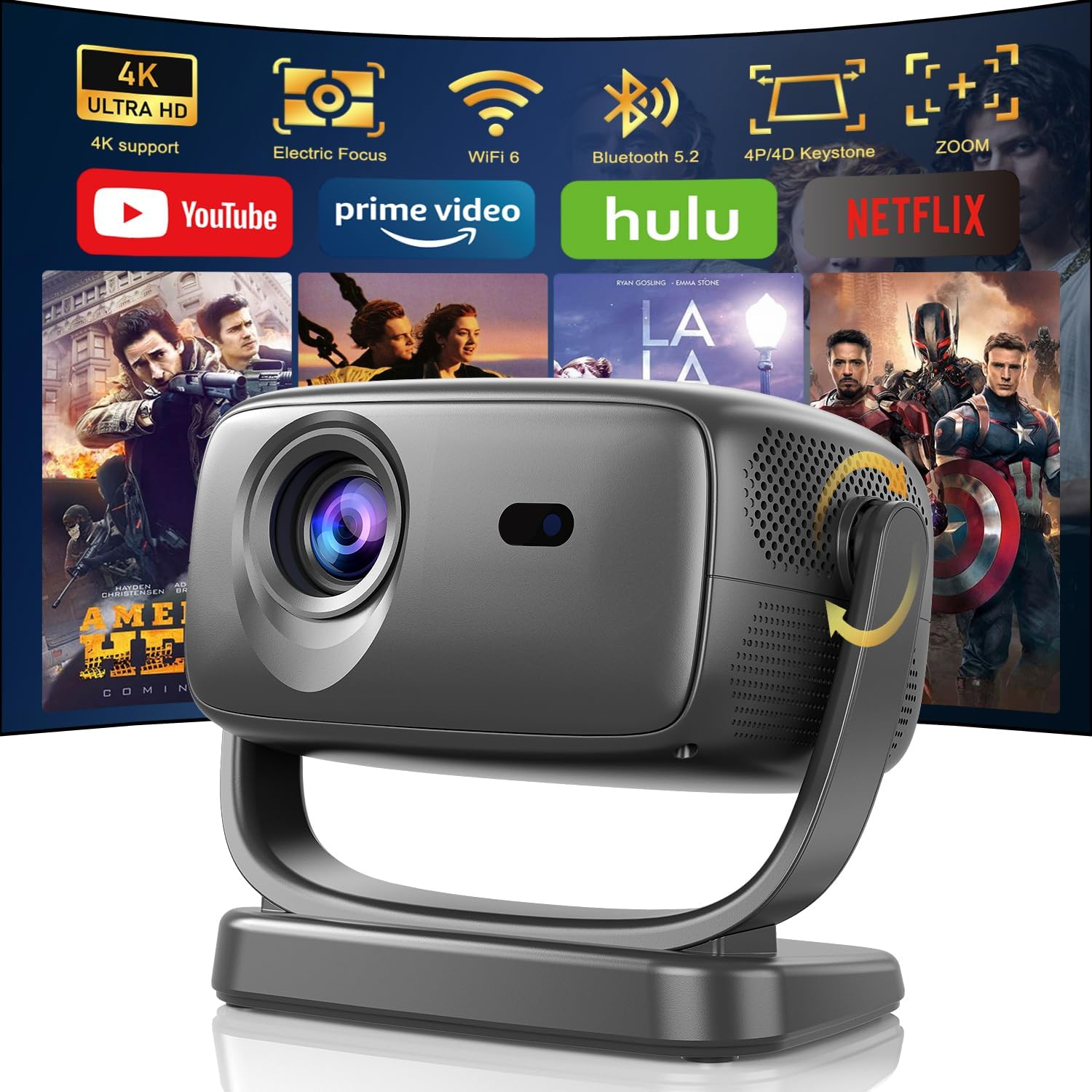
Projector speakers, while functional, rarely deliver the cinematic audio experience that truly complements a large screen. Investing in external audio solutions is paramount for immersion.
Bluetooth Speakers / Soundbars
The easiest and most popular upgrade is a Bluetooth speaker or soundbar. Most modern projectors have Bluetooth output capabilities, allowing you to wirelessly connect to a high-quality speaker. For an even richer soundstage, consider a dedicated soundbar that can sit in front of your screen, providing a more immersive and room-filling audio experience.
Example: Pairing a powerful JBL Bluetooth speaker with your projector can transform a quiet bedroom into a mini cinema. The deep bass and clear highs will bring movie soundtracks to life, making dialogue crisp and action sequences impactful.
Wired Audio Systems (Soundbars with HDMI ARC / Optical Input)
For audiophiles seeking the best possible sound, a wired connection to a more robust audio system is recommended. Many soundbars and AV receivers support HDMI ARC (Audio Return Channel) or optical inputs. This allows you to connect your projector directly to your audio system, bypassing the projector’s internal DAC and ensuring the highest fidelity audio signal.
Statistic: Research by NPD Group shows that the home audio market, including soundbars, has seen consistent growth, with consumers increasingly prioritizing audio quality in their home entertainment setups.
3. The Perfect Canvas: Screen Solutions
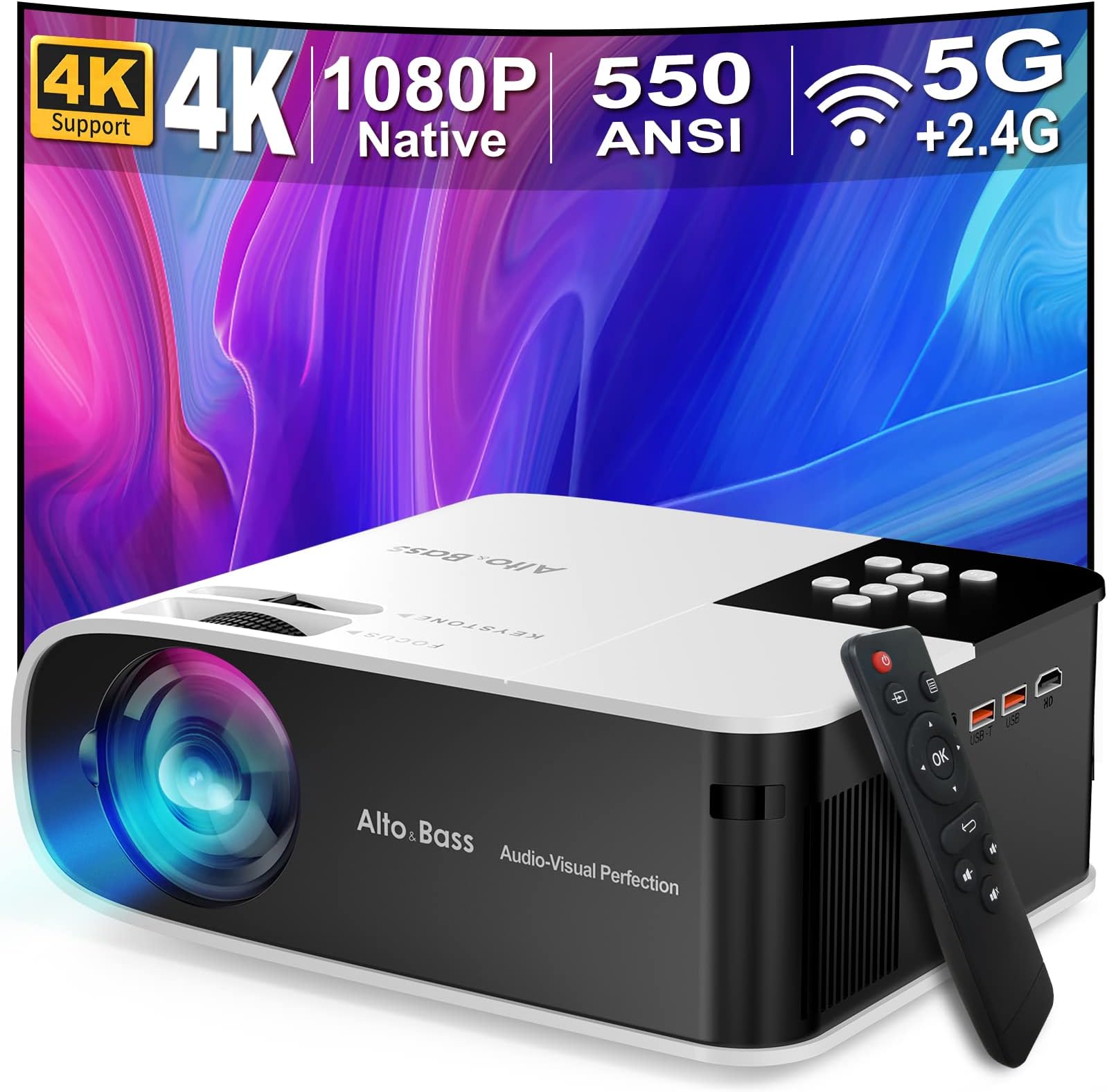
A projector’s image quality is only as good as the surface it’s projected onto. While a plain wall can suffice, dedicated projector screens offer a significantly superior viewing experience.
Portable Projector Screens
These are ideal for those who want flexibility. They come in various sizes and can be set up and taken down easily, making them perfect for indoor and outdoor movie nights. Options include:
- Pull-down screens: Mount to a wall or ceiling and retract when not in use.
- Tripod screens: Freestanding and easily portable.
- Inflatable screens: Great for outdoor use and can be very large.
Case Study: Mark hosts backyard movie nights for his family and friends every summer. He invested in a large inflatable projector screen that he sets up on his lawn. This has dramatically improved the contrast and clarity of the projected image compared to simply using his garage door.
Fixed Frame Projector Screens
For a permanent home theater setup, fixed frame screens offer the flattest and most tensioned surface, resulting in the best possible image quality. These screens are mounted to your wall and provide a true cinematic feel.
Ambient Light Rejecting (ALR) Screens
If you can’t achieve complete darkness in your viewing room, ALR screens are a game-changer. They are designed to reflect projector light towards the viewer while absorbing ambient light, significantly improving contrast and color saturation even in moderately lit environments. This is particularly beneficial for iPhone users who might be projecting in living rooms with windows.
4. Power and Convenience: Keeping the Show Running

Beyond the core components, a few practical accessories can significantly enhance the usability and enjoyment of your projector setup.
Power Banks for Portable Projectors
Many portable projectors now offer USB-C charging or have built-in batteries. However, for extended movie marathons, a high-capacity power bank can be a lifesaver, ensuring your projector doesn’t die mid-movie.
Streaming Sticks / Devices
While your iPhone is a capable source, a dedicated streaming stick (like Apple TV, Roku, or Amazon Fire Stick) can sometimes offer a more streamlined experience, especially for accessing certain apps or for guests who prefer not to connect their personal devices. These can plug directly into the projector’s HDMI port.
Mounts and Stands
Proper projector placement is crucial for optimal image alignment and viewing angles. Consider projector mounts (ceiling or wall) for a permanent solution or adjustable projector stands for flexibility. This also helps in keeping your iPhone-powered setup tidy.
Remote Controls and Apps

Ensure your projector comes with a functional remote control or has a companion app for your iPhone. This allows for easy adjustments to settings like focus, keystone correction, and input selection without having to get up.
Your iPhone, Your Cinema

The fusion of your iPhone’s versatility with the immersive power of a projector opens up a world of cinematic possibilities. By strategically investing in the right accessories, you can transcend the limitations of built-in speakers and plain walls, creating a truly captivating home theater experience. From ensuring seamless connectivity with reliable adapters to amplifying your audio with powerful Bluetooth speakers or soundbars, and optimizing your viewing surface with high-quality screens, each accessory plays a vital role. Remember to consider the convenience factors like power solutions and mounting options. With these enhancements, your iPhone-powered movie nights will transform from casual viewing sessions into unforgettable, high-fidelity cinematic events, right in the comfort of your own home.


