
Exploring the Features of HP Envy’s Latest Display: Brightness, Clarity, and Color Accuracy
In the ever-evolving landscape of personal computing, the display remains a cornerstone of user experience. It’s the window through which we interact with our digital worlds, and for creative professionals, casual users, and even everyday multitaskers, a superior screen can elevate productivity and enjoyment. HP, a brand synonymous with innovation, has consistently pushed the boundaries of display technology, particularly within its premium Envy line. This article embarks on a comprehensive exploration of the latest HP Envy displays, scrutinizing their brightness, clarity, and color accuracy to understand what makes them stand out in a competitive market.
The Unseen Power: Understanding Display Brightness
Brightness, often measured in nits, is a critical factor in display performance. It dictates how well a screen can be viewed in various lighting conditions. A dim screen becomes frustratingly difficult to see in a sunlit room or under harsh office lighting, leading to eye strain and reduced productivity. Conversely, a display that is too bright can be uncomfortable and even contribute to digital eye fatigue.
The HP Envy’s Bright Advantage: Illuminating Your Workspace
HP Envy laptops, in their latest iterations, have made significant strides in display brightness. Many models now boast panels capable of reaching 300 nits, and some even surpass this, reaching up to 400 nits or more. This increased brightness offers several tangible benefits:
- Enhanced Outdoor Visibility: For users who frequently work on the go, the higher nit count makes it far easier to use their Envy laptop outdoors, even in direct sunlight. This combats the common frustration of a washed-out screen that renders content illegible.
- Reduced Eye Strain in Bright Environments: Instead of struggling to discern content on a dim screen, users can comfortably adjust the brightness to suit their surroundings. This is particularly beneficial in brightly lit offices or cafes, where ambient light can be overwhelming.
- Deeper Blacks and More Vivid Colors: While brightness is primarily about luminance, a brighter panel often contributes to a more dynamic range. This means that whites can be brighter and blacks can appear deeper, leading to a richer and more impactful visual experience.
Consider a scenario where a graphic designer is working on a detailed project. If their display has insufficient brightness, subtle color variations and fine lines might be lost, leading to inaccuracies in their work. An HP Envy with its enhanced brightness ensures that every pixel is rendered with clarity, allowing for more precise and confident creative decisions.
Crystal Clear Vision: The Pursuit of Display Clarity

Clarity in a display goes beyond mere brightness; it encompasses resolution, pixel density, and the overall sharpness of the image. A sharp, clear display is essential for everything from reading text comfortably to appreciating the fine details in images and videos.
HP Envy’s Clarity Engine: Pixels That Pop

HP Envy laptops are increasingly adopting higher resolution panels, moving beyond the standard Full HD (1920×1080) to QHD (2560×1440) and even 4K UHD (3840×2160). This jump in resolution has a profound impact on perceived clarity:
- Sharper Text and Graphics: Higher pixel densities mean that individual pixels are less discernible to the naked eye. This results in incredibly sharp text that is a pleasure to read for extended periods, and graphics that appear smooth and detailed.
- Immersive Viewing Experience: For media consumption, a higher resolution display transforms the viewing experience. Movies, photos, and even web pages appear more lifelike, with finer details and smoother gradients.
- Increased Workspace on Screen: For multitasking and productivity, higher resolutions offer more screen real estate. Users can comfortably fit more windows and applications on their screen without the need for excessive scrolling or zooming, boosting efficiency.
A practical example lies in the realm of photo editing. A photographer editing RAW files on an HP Envy with a QHD or 4K display will be able to discern subtle noise, intricate textures, and fine details that would be blurred or lost on a lower-resolution screen. This leads to more accurate edits and ultimately, better final images.
The True Palette: Achieving Color Accuracy

For creative professionals and anyone who values visual fidelity, color accuracy is paramount. A display that can reproduce colors faithfully ensures that what you see on screen is a true representation of the original content. Inaccurate colors can lead to disappointment, particularly when printed or viewed on other devices.
HP Envy’s Color Prowess: Painting with Precision
HP Envy displays are increasingly being engineered with color accuracy in mind. This is often achieved through several key technological advancements:
- High sRGB Coverage: The sRGB color space is a standard used for web content and many consumer electronics. HP Envy displays often achieve near-perfect sRGB coverage (100% is the ideal), meaning they can accurately reproduce the vast majority of colors within this widely used gamut.
- Wider Color Gamuts (DCI-P3, Adobe RGB): For professionals working with HDR content or in print media, wider color gamuts like DCI-P3 (used in cinema) and Adobe RGB (used in professional printing) are crucial. Many high-end HP Envy models offer significant coverage of these gamuts, providing a broader and more nuanced color palette.
- Factory Calibration: Some HP Envy laptops come with factory-calibrated displays, meaning they have been individually tested and adjusted to ensure optimal color accuracy straight out of the box. This saves users the time and effort of calibrating their own screens.
Consider a videographer working on a new project. If their display doesn’t accurately represent colors, the final footage might appear too warm, too cool, or oversaturated when viewed on other calibrated displays. An HP Envy with excellent color accuracy, perhaps boasting 100% sRGB and substantial DCI-P3 coverage, ensures that their color grading efforts translate faithfully to the final output, maintaining their artistic vision.
Beyond the Specs: User Experience and Practical Considerations
While technical specifications are crucial, the real-world user experience is what ultimately matters. HP has also focused on features that enhance the overall display interaction on its Envy line.
Thoughtful Integrations for Enhanced Usability

- Anti-Glare Coatings: Most HP Envy laptops feature matte or anti-glare displays. This is a significant advantage over glossy screens, which can be highly reflective and distracting, especially in bright environments.
- Narrow Bezels: The trend towards slimmer bezels on laptop displays contributes to a more immersive viewing experience. This allows for a larger screen size in a more compact chassis, making the device more portable and visually appealing.
- Touchscreen Options: Many Envy models offer touchscreen capabilities, adding another layer of versatility and interactivity, particularly for note-taking, drawing, or navigating touch-optimized applications.
A student using an HP Envy for research and note-taking will appreciate the anti-glare coating when working in a brightly lit lecture hall. Similarly, a designer might find the narrow bezels contribute to a more focused creative workflow, minimizing distractions from the screen’s surroundings.
The HP Envy’s Display – A Benchmark for Visual Excellence
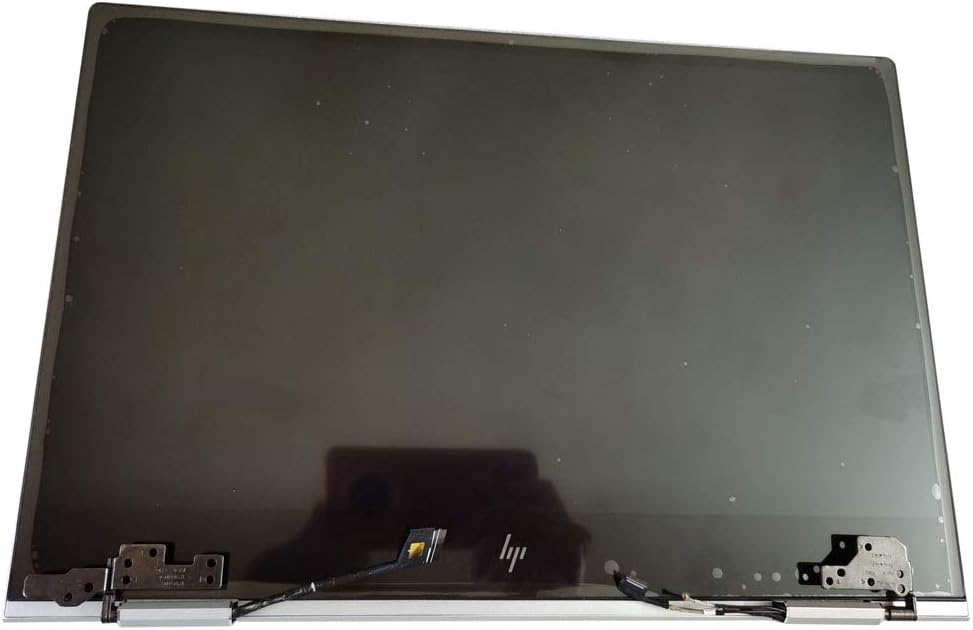
The latest HP Envy displays represent a significant leap forward in laptop screen technology. Through meticulous attention to brightness, clarity, and color accuracy, HP has crafted visual experiences that cater to a wide range of users. The increased brightness ensures usability in any environment, the enhanced clarity brings detail and sharpness to the forefront, and the commitment to color accuracy empowers creators to produce with confidence. When combined with thoughtful design elements like anti-glare coatings and narrow bezels, the HP Envy’s display solidifies its position as a benchmark for visual excellence in the premium laptop market. Whether you’re a professional demanding precision or a casual user seeking an immersive and comfortable viewing experience, the HP Envy’s display technology delivers on its promise of brilliance.


